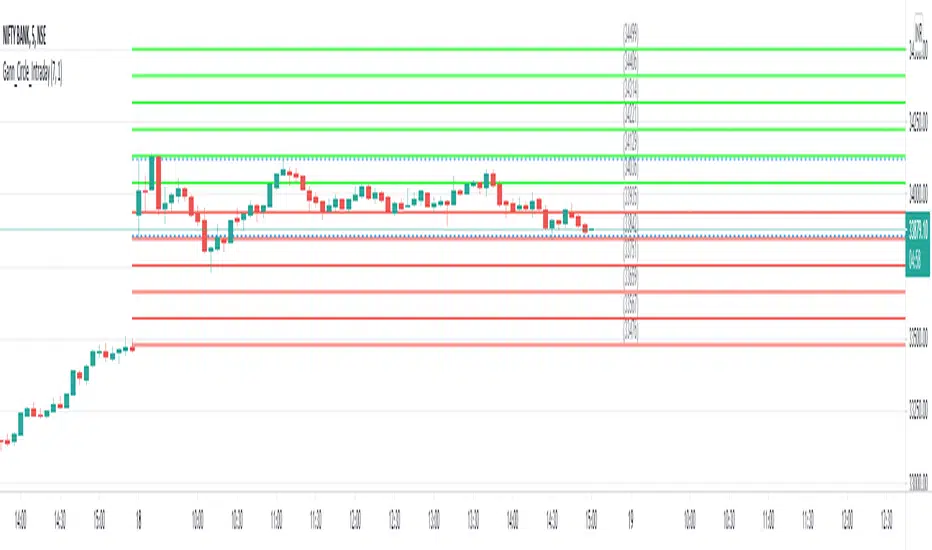
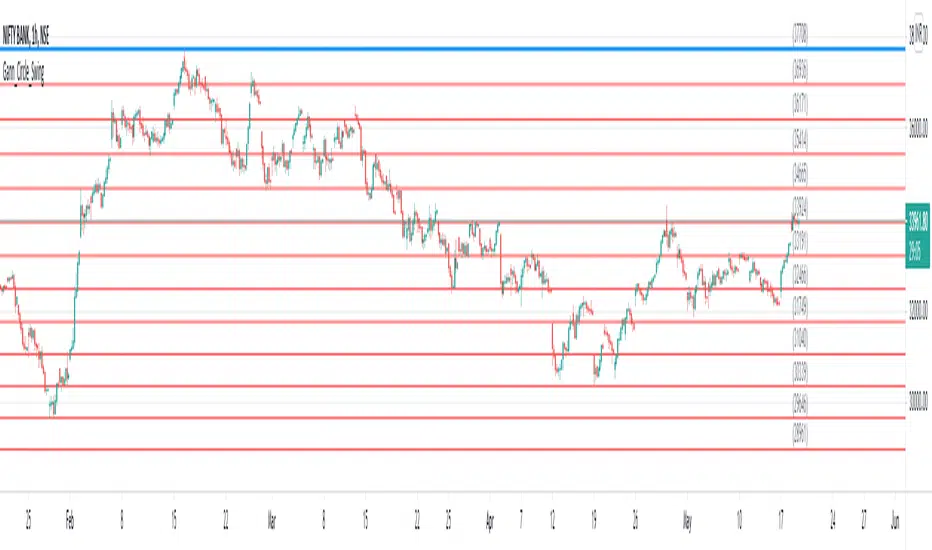
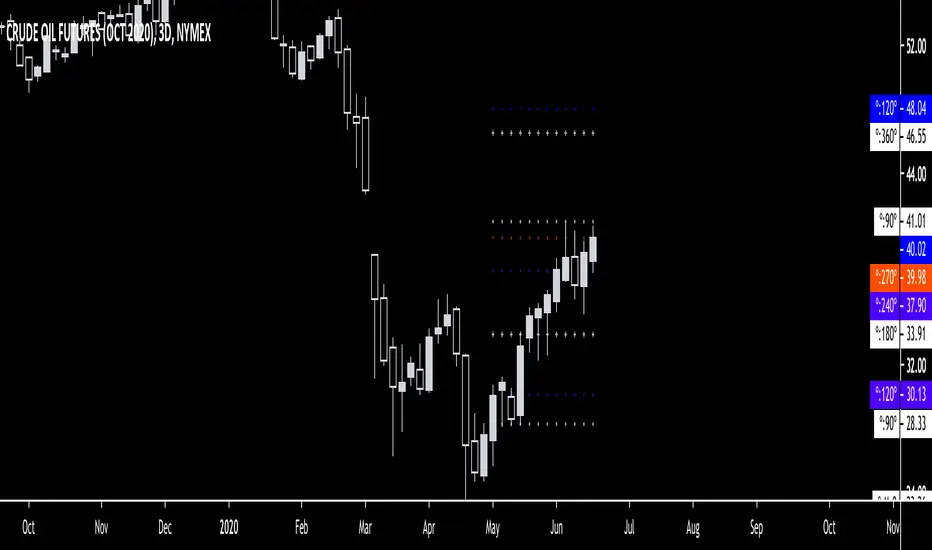
Gann Square of 9 Vibration Levels [LuxAlgo]The Gann Square of 9 Vibration Levels indicator provides a technical framework for identifying potential support and resistance levels based on Gann's "Square of 9" mathematical relationships.
🔶 USAGE
This tool calculates price "vibrations" or displacements from a specific anchor point using angular degrees. In Gann theory, specific angles (90°, 180°, etc.) are believed to represent points of high resonance where price action is likely to stall or reverse.
The indicator offers two primary methods for anchoring:
Auto Pivot: Automatically detects recent high or low pivots based on a user-defined lookback period. If a new low is found, it calculates upward vibrations; if a new high is found, it calculates downward vibrations.
Manual: Allows the user to input a specific price point to act as the "Square of 9" center, from which all angular levels are projected.
Traders can use these levels to anticipate market turns or set price targets. When price approaches a Cardinal or Ordinal level, it may indicate a zone of exhaustion or a breakout point.
🔶 DETAILS
The script utilizes the core Gann Square of 9 formula to translate angular degrees into price levels:
Price = (sqrt(Anchor) + (Degree / 180) * Direction)^2
The indicator distinguishes between two types of vibration levels:
🔹 Cardinal Levels (90°, 180°, 270°, 360°): These represent the "cross" in the Square of 9 and are traditionally considered the strongest points of vibration. They are displayed with solid lines.
🔹 Ordinal Levels (45°, 135°, 225°, 315°): These represent the "corners" of the Square of 9 and provide secondary points of interest. They are displayed with dashed lines.
The inclusion of a real-time dashboard provides a quick reference for the current anchor price, the specific degree of each active level, and its corresponding price value, ensuring traders can see exact targets without cluttering the main chart area.
🔶 SETTINGS
🔹 Calculation Settings
Anchor Type: Choose between "Auto pivot" (dynamic) or "Manual" (static) price anchoring.
Manual Anchor Price: The price used for calculations when Anchor Type is set to Manual.
Pivot Lookback: The number of bars used to detect high/low pivots for the Auto mode.
Vibration Direction: Determines if the indicator projects levels "Up", "Down", or in "Both" directions from the anchor.
🔹 Visual Settings
Show Cardinal Levels (90°): Toggles the visibility of the primary cross levels.
Show Ordinal Levels (45°): Toggles the visibility of the secondary corner levels.
Show Level Labels: Displays the degree and price value next to each line on the chart.
Cardinal/Ordinal Color: Customizes the colors for the different level types.
🔹 Dashboard
Dashboard: Enables or disables the on-screen data table.
Position: Moves the dashboard to different corners of the chart.
Size: Adjusts the scale of the dashboard text and cells.
Wskaźnik Pine Script®